
The working journal / Low-code engineering
Low-code architecture: draw the boundaries before the screens
A worked purchase-request example covering business rules, permissions, integrations, and the release plan.
Low-code makes it easy to get a form working. The harder questions arrive when a second department wants different rules, an integration fails, or a new screen repeats logic from the first one. A small architecture sketch gives those questions a place before they become expensive changes.
This guide uses an illustrative purchase-request application. It is a design exercise, not a claim about a customer implementation. The concepts apply across platforms; the OutSystems reference below describes its own architecture model.
Start with states and decisions
Our example begins with an employee creating a draft, submitting it, and waiting for approval or rejection. An approved request is sent to purchasing. Write these states down and identify the allowed transitions. Decide whether editing a submitted amount requires a new approval and who can withdraw a request.
A state diagram exposes ambiguity that a mockup can hide. What happens if an approver opens a request, someone withdraws it, and the approver then clicks Approve? The server should check the current state before saving the decision. A stale screen cannot be the authority.
Give each responsibility a home
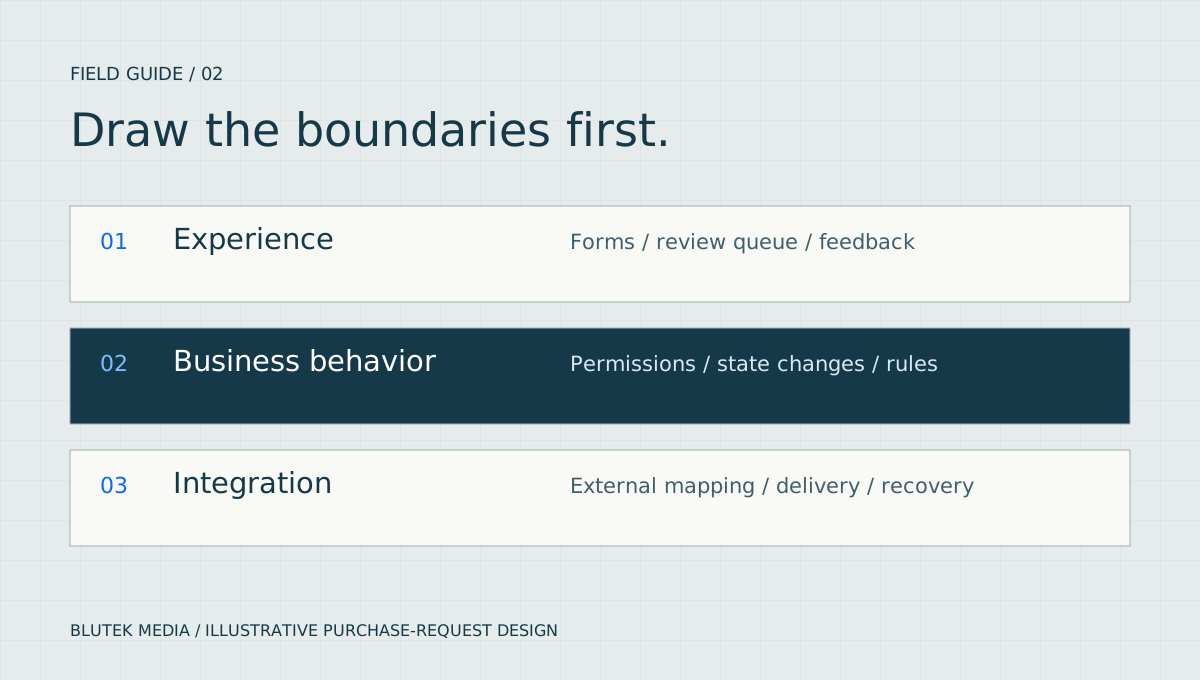
Keep the request form and review queue close to the user experience. Put submission, approval, and amount rules behind a shared business interface. Keep the purchasing-system connection behind an adapter so the rest of the application does not need to know the external API's field names.
The OutSystems Architecture Canvas provides a platform-specific way to organize modules by responsibility. Use it to guide dependencies, then check the actual references. Creating folders with sensible names does not prevent a screen from reaching around the intended boundary.
| Boundary | Owns | Should not own |
|---|---|---|
| Experience | Forms, review queue, validation messages | The only copy of the approval rule |
| Business behavior | State changes, ownership, approval checks | Vendor-specific HTTP payloads |
| Integration | External mapping, timeouts, delivery status | Who may approve a request |
Check access where the change happens
Hiding an Approve button makes a screen easier to understand, but the approval operation still needs to verify the caller. Check both the permission to approve and the scope of the request. A manager for one department should not be able to approve another department's request by changing an identifier.
Use a small access matrix with concrete users and records. Test direct requests, exports, background jobs, and alternate entry points as well as screens. OWASP recommends denying access by default and checking permission on every request. A shared authorization module can make that easier, but the team must still verify each call path.
- Employee: read and edit their own eligible drafts.
- Approver: decide only eligible requests within their assigned scope.
- Purchasing: see the approved work needed for fulfillment.
- Administrator: manage configuration through explicit permissions.
Design the integration failure before the happy path
Suppose the purchasing system accepts a request, but the response times out. An immediate retry could create a second order. Define a stable request identifier and use an idempotency mechanism where the external service supports it. Otherwise, provide a reconciliation step before repeating an uncertain submission.
For this example, a durable delivery record can track pending, confirmed, and uncertain outcomes separately from approval. That record is a proposed design choice, not a feature every platform provides automatically. Users should be able to see that approval succeeded while external delivery still needs attention.
Treat deployment as part of the architecture
Keep environment URLs and credentials in the appropriate protected configuration. Agree how schema changes will work with the previous application version and how queued work will behave during a release. A rollback is incomplete if the older code can no longer read the data written by the new code.
Review the design with a few specific checks: an unauthorized approval is rejected, a withdrawn request stays withdrawn, repeated delivery does not create a duplicate, and a failed integration leaves an actionable record. Those examples say more about maintainability than the number of screens in the first demo.
Blutek's published OutSystems components include RoleShield and Shared Configuration Manager. Their documentation is useful evidence of our work in authorization and configuration. Evaluate compatibility and your own requirements before selecting any reusable component.
Sources and further reading
- OutSystems: application architecture
The Architecture Canvas and the relationship between application modules and responsibilities.
- OWASP Authorization Cheat Sheet
Guidance on least privilege, default denial, and checking access on every request.
- Blutek low-code work and published components
RoleShield, Shared Configuration Manager, and links to the accompanying technical writing.
Share this article
Continue the conversation
A question, a different experience, or an idea for the next article? Send Jason a private response.